💥OLD GEN ONLY💥 Donut Island Setup
For server owner on GPORTAL, a new map preset has been introduced with the latest update!
Preset
Before you start, check if you have a preset applied already. You can find this out if one of the preset icons is outlined, as such:
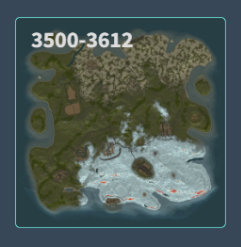
If this is the case, you should follow these steps:
- Execute a FULL WIPE of your server using the button on the “Status” page of your server.
- Load into the server once it has rebooted, and make sure it executes a SAVE.
- Execute another FULL WIPE of your server using the button on the “Status” page of your server.
- Wait for the server to execute the full wipe. You may need to re-edit some settings in your server configuration.
- Select the Donut Island preset:
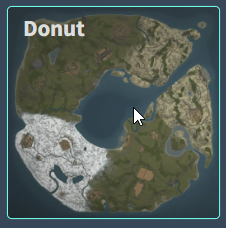
- Wait for your server to boot
- Enjoy the Donut Island!
No Preset
If you do not have a preset, you should follow these steps instead:
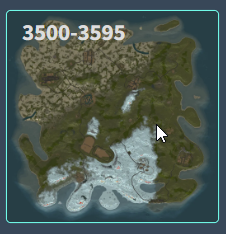
- Choose any random preset from the options, excluding Donut Island:
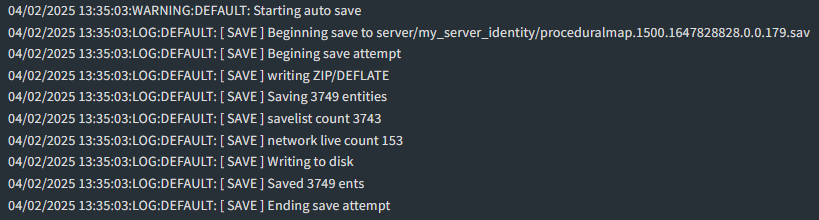
- Load into the server once it has booted, and make sure it executes a SAVE.
-
Execute another FULL WIPE of your server using the button on the “Status” page of your server.
-
Wait for the server to execute the full wipe. You may need to re-edit some settings in your server configuration.
-
Select the Donut Island preset:
-
Wait for your server to boot
-
Enjoy the Donut Island!